



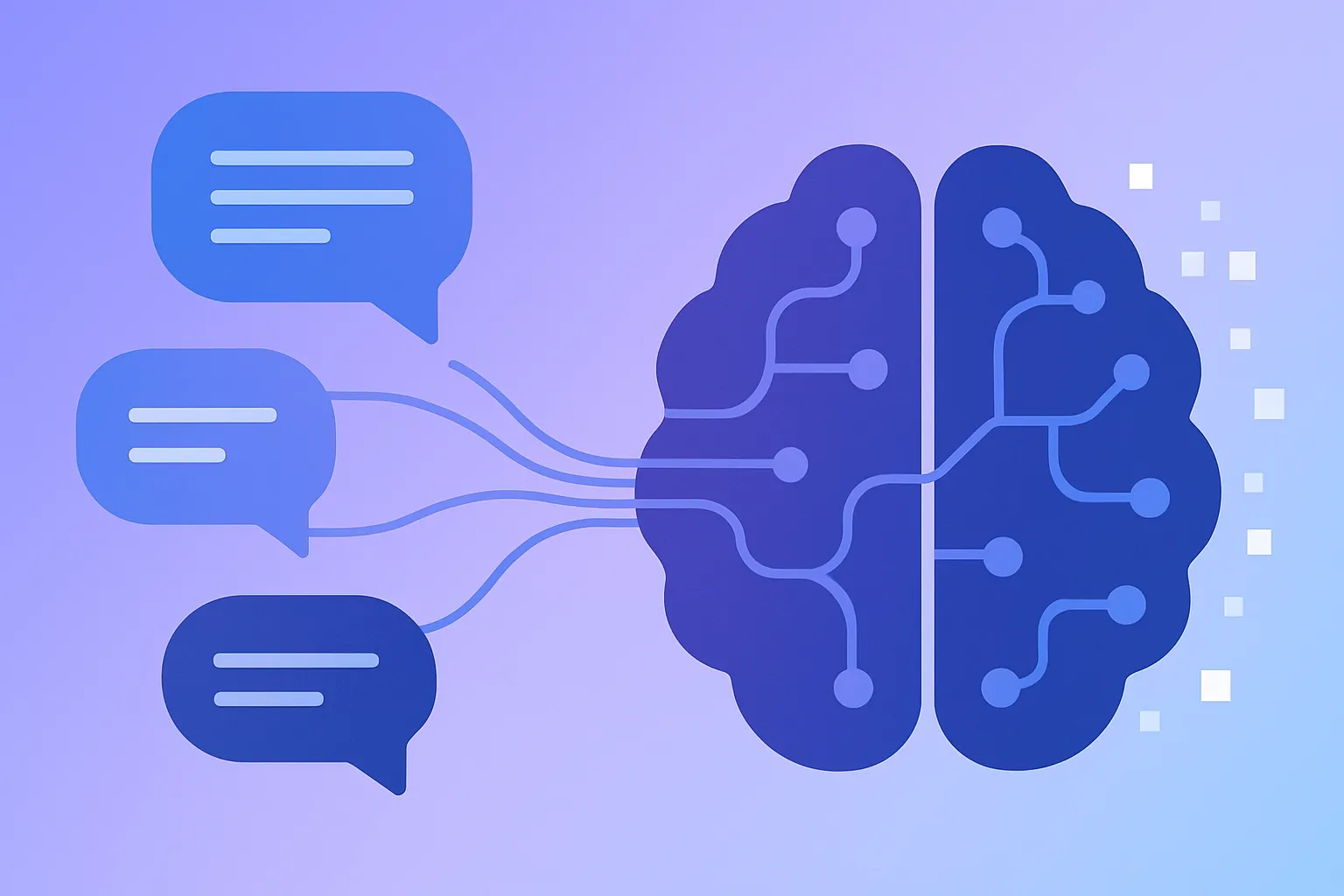
Natural Language Processing (NLP) is the branch of artificial intelligence that teaches computers to understand, interpret, and generate human language. It’s what enables tools like chatbots, voice assistants, search engines, and translation services to process words the same way humans do. From Google Search to Siri and ChatGPT, NLP is behind much of the technology we interact with daily.
In this beginner-friendly guide, we’ll break down what NLP is, how it works, its common techniques, and where it’s used in real-world applications.
What is Natural Language Processing?
At its core, NLP combines linguistics (the study of language) with machine learning to help computers make sense of words, phrases, and context. The goal is to turn unstructured text or speech into structured data that machines can analyze and act on.
Using NLP, computers can:
- Understand text — extract meaning from documents, messages, or social media posts.
- Generate human-like responses — power conversational AI systems such as chatbots and assistants.
- Translate between languages — improve tools like Google Translate.
- Analyze emotions and intent — determine whether a sentence expresses a positive, negative, or neutral opinion.
How NLP Works
NLP systems process language in several stages — breaking it down into smaller pieces, identifying patterns, and then understanding meaning. Let’s look at some of the key steps involved.
Step 1: Tokenization
Tokenization splits text into smaller components, such as words or sentences. This makes it easier for algorithms to analyze the structure of language.
from nltk.tokenize import word_tokenize

text = "Natural Language Processing is fascinating!"
tokens = word_tokenize(text)
print(tokens)
# Output: ['Natural', 'Language', 'Processing', 'is', 'fascinating', '!']
Step 2: Stopword Removal
Common words like “is,” “the,” and “and” don’t add much meaning, so we remove them to focus on the important ones.
from nltk.corpus import stopwords

filtered_tokens = [word for word in tokens if word.lower() not in stopwords.words('english')]
print(filtered_tokens)
Step 3: Lemmatization
Lemmatization reduces words to their base or dictionary form (known as a lemma). For example, “running” becomes “run.”
from nltk.stem import WordNetLemmatizer

lemmatizer = WordNetLemmatizer()
print(lemmatizer.lemmatize("running", pos="v"))  # Output: 'run'
Step 4: Part-of-Speech Tagging
This step assigns grammatical labels (noun, verb, adjective, etc.) to each word, giving the system context for how words relate to each other.
from nltk import pos_tag

print(pos_tag(tokens))
# Output: [('Natural', 'JJ'), ('Language', 'NN'), ('Processing', 'NN'), ('is', 'VBZ'), ('fascinating', 'VBG'), ('!', '.')]
Step 5: Named Entity Recognition (NER)
NER identifies real-world entities such as people, companies, or locations within text.
import spacy

nlp = spacy.load("en_core_web_sm")
doc = nlp("Elon Musk founded Tesla and SpaceX.")

for ent in doc.ents:
    print(ent.text, ent.label_)
# Output: Elon Musk PERSON | Tesla ORG | SpaceX ORG
Step 6: Sentiment Analysis
Sentiment analysis evaluates the emotion behind a piece of text — positive, negative, or neutral.
from textblob import TextBlob

text = "NLP is an amazing field!"
sentiment = TextBlob(text).sentiment.polarity
print(sentiment)
# Output: 0.75 (Positive)
Applications of NLP
NLP is everywhere — from customer service to content moderation and finance. Here are a few common examples:
- Chatbots and virtual assistants — handling customer queries through natural conversations.
- Search engines — understanding intent behind search terms.
- Machine translation — powering multilingual tools like DeepL and Google Translate.
- Spam detection — filtering junk emails automatically.
- Sentiment analysis — helping brands analyze social media feedback and customer reviews.
Popular NLP Libraries
Python offers several libraries that make NLP easier to implement:
- NLTK — classic, educational library for fundamental NLP techniques.
- spaCy — fast, efficient, and industrial-strength NLP toolkit.
- TextBlob — beginner-friendly library for simple tasks like sentiment analysis.
- Transformers (Hugging Face) — modern framework for state-of-the-art NLP models like BERT and GPT.
Challenges in NLP
While NLP has made impressive progress, several challenges remain:
- Ambiguity — words can have multiple meanings depending on context.
- Contextual understanding — sarcasm, idioms, and cultural references are still hard for AI.
- Bias — NLP models can inherit and amplify biases from training data.
- Multilingual complexity — each language requires unique processing techniques and datasets.
FAQs
- What’s the difference between NLP and AI? NLP is a subfield of AI that focuses specifically on understanding human language.
- Do I need machine learning for NLP? Traditional NLP used rules, but modern NLP relies heavily on machine learning for better accuracy.
- Can NLP understand any language? Only if it’s trained on that language — multilingual NLP requires separate models or datasets.
- What are the best libraries to start learning NLP? Begin with NLTK and spaCy, then move on to Hugging Face Transformers for advanced models.
- Where is NLP used today? Everywhere — in chatbots, search engines, email filtering, translation, and voice assistants.
Conclusion
Natural Language Processing is what allows machines to bridge the communication gap between humans and computers. From breaking text into tokens to detecting sentiment and meaning, NLP has transformed how we interact with technology. By understanding the basics and experimenting with Python libraries, you can start building your own NLP-powered projects — from text summarizers to sentiment analysis tools.